For Resolving the HP360 Plugin creating too many cron jobs/crashing your website please follow the steps provided below.
Step 1 -
Deactivate the HP360 plugin by going to Plugins -> Installed Plugins. Skip if already in Inactive state.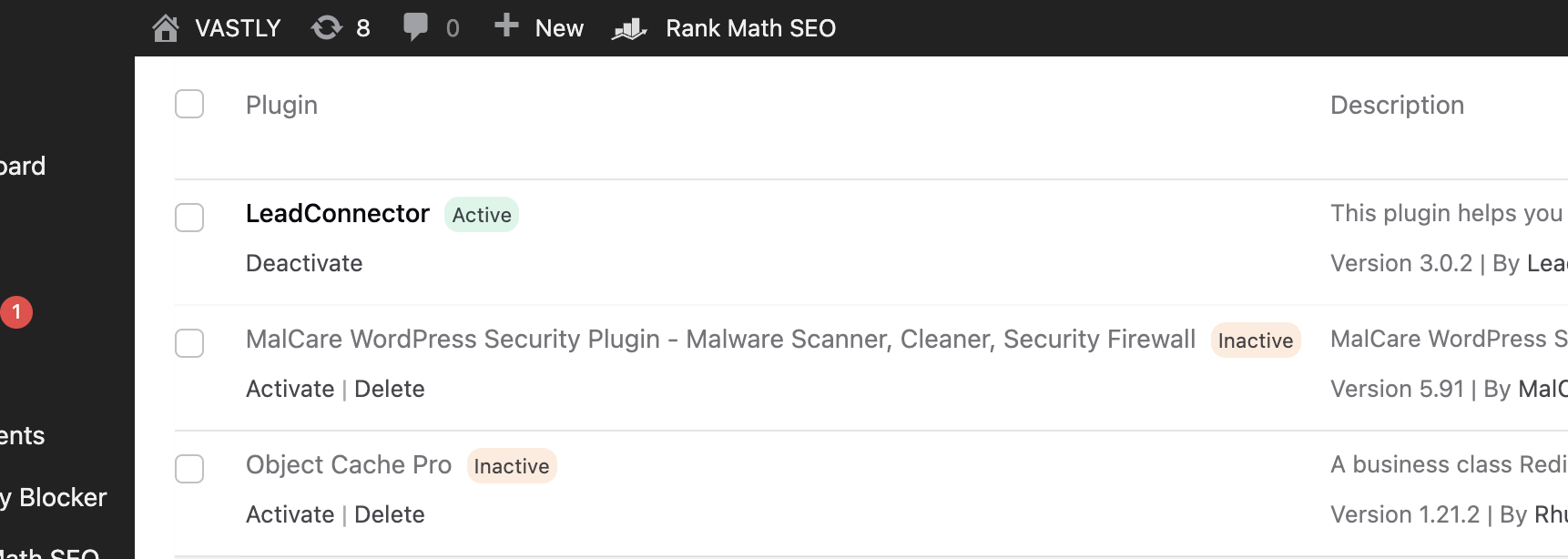
Step 2 -
Download the hair pro 360-cron-fix plugin by clicking here
( MD5 Checksum - 5a80c8666c97f834392a0465726c219a )
Step 3 -
Install the new plugin by going to Plugins -> Add new plugin -> Upload plugin.

Step 4 -
Next Click on Activate Plugin.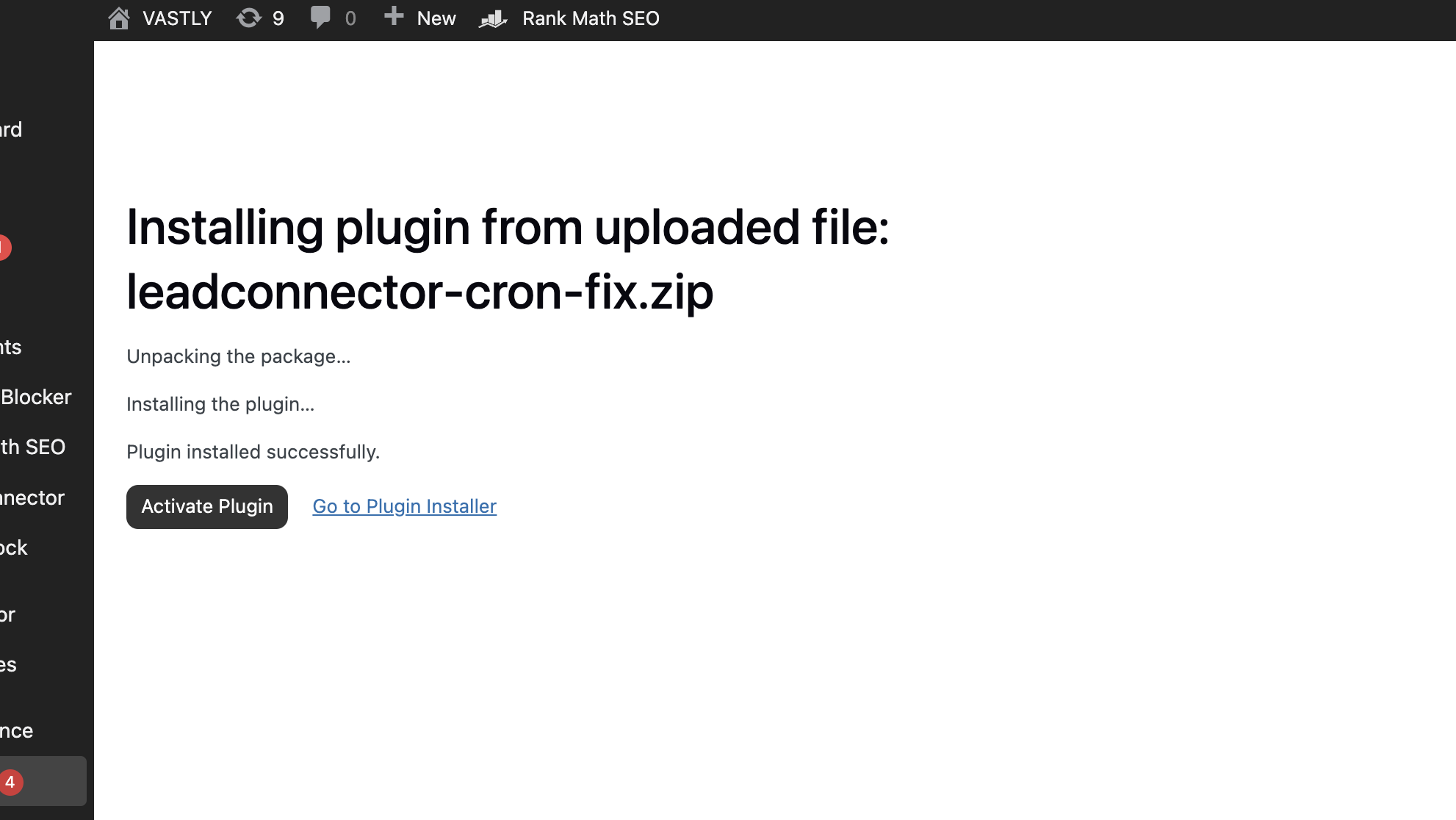
Step 5 -
After activating the plugin Go to Tools -> HP360 Cron Fixer
If you see this screen you are good to activate the main HP360 Plugin now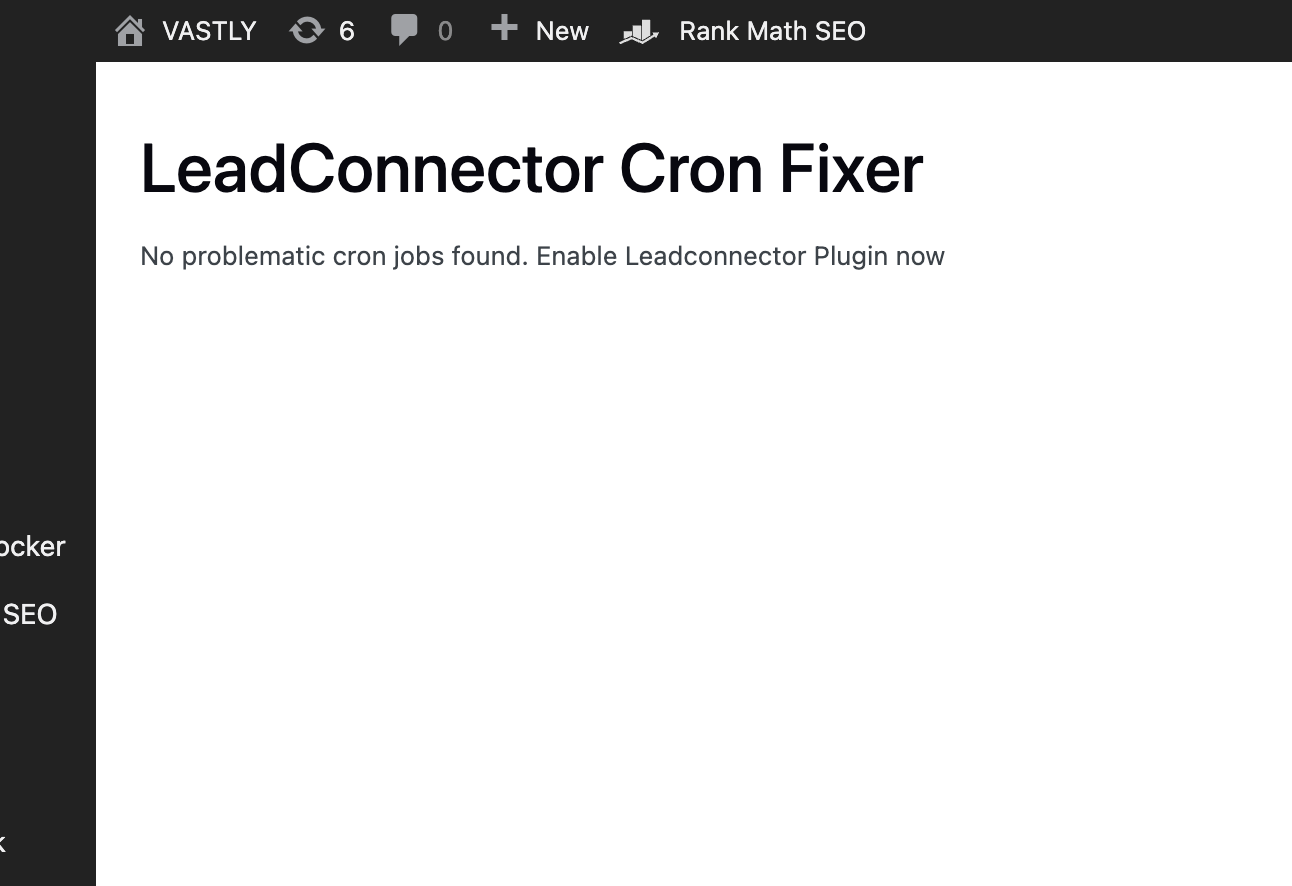
or if you see this screen you can click on the "fix cron jobs" button.
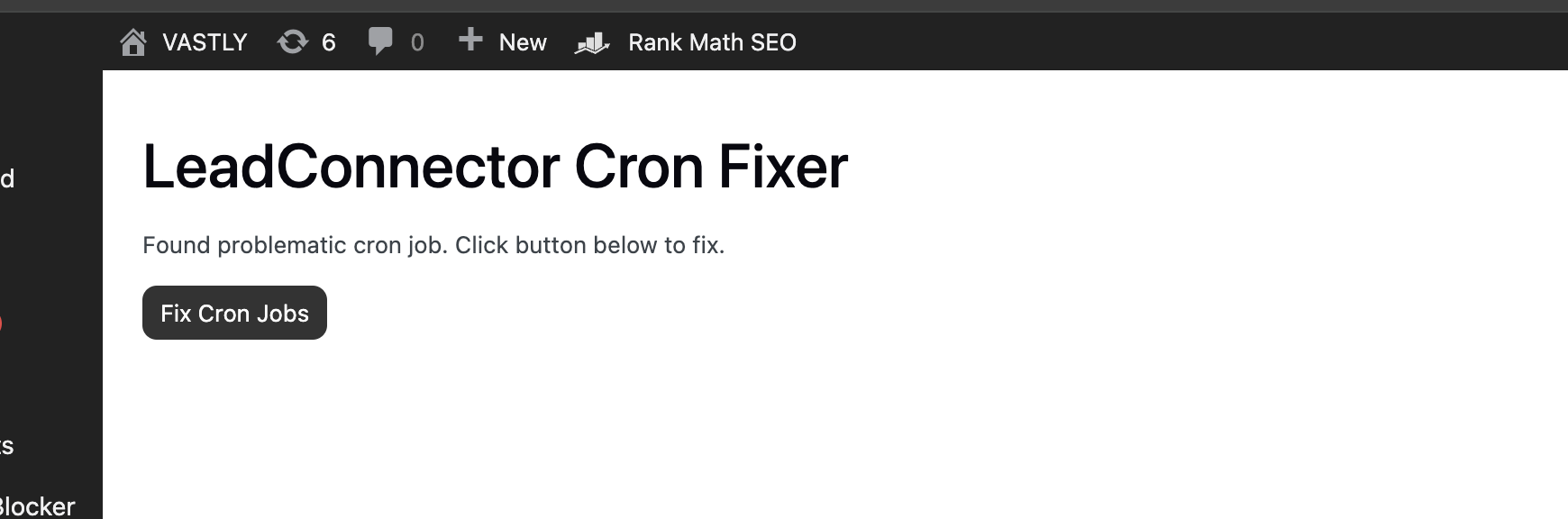
if incase you do not see the first screen after multiple attempts please reach out to Hair Pro 360 Support we will help you resolve the issue further.
Step 6 -
Go Back to Plugins -> List Plugins and click on Activate against HP360 Plugin. ( If incase your plugin is not on the latest version please do update the same aswell.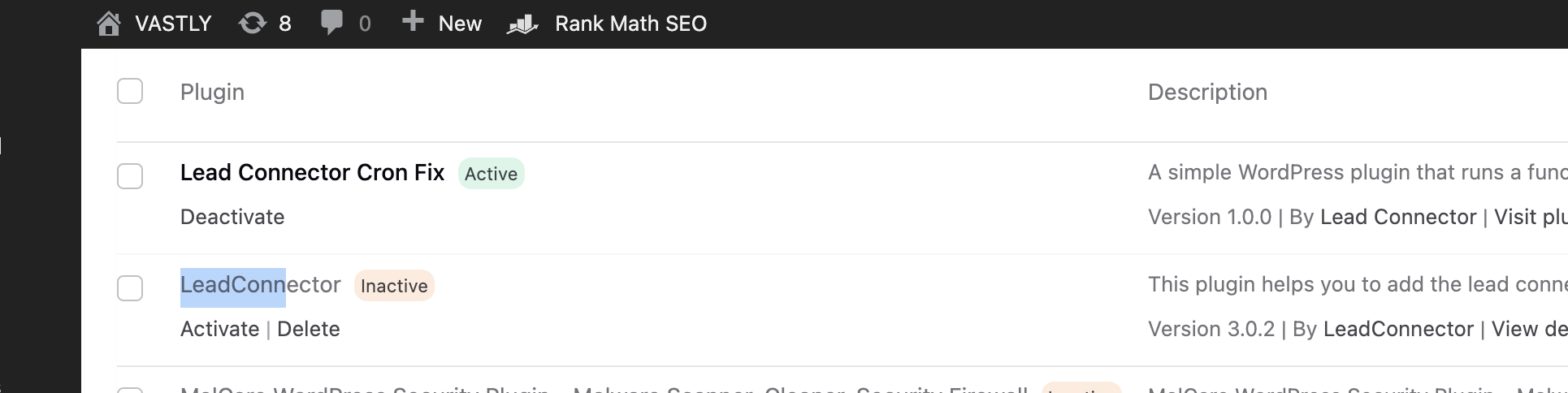
Step 7 -
Lastly Deactivate and Delete the Lead Connector Cron Fix Plugin and you are all set!